How YourTrack works — and why clients actually love it
YourTrack turns messy update chains into a clean client portal. Under the hood, it connects your inbox, parses shipment signals, and publishes trusted updates to a branded link your customers can open anytime. This guide breaks down the logic, the automation, and the real-world benefits.
The Update Pipeline
1. Connect your inbox
Gmail, Outlook, or any IMAP mailbox. YourTrack watches for logistics emails only.
2. AI parses shipment signals
Extracts references, ETAs, locations, statuses, and context from email content.
3. Confidence scoring + approvals
High-confidence updates auto-apply; lower-confidence changes go to the approval queue.
4. Clients see updates instantly
Portals refresh with the latest info and optional email notifications go out.
The logic
The three building blocks that power every portal
YourTrack keeps the system simple on purpose. Everything is built around links, shipments, and updates. That structure lets automation stay accurate while giving clients a single, easy-to-read view.
Client Links (the shareable portal)
Every client gets a branded link that can be activated or deactivated. You decide which modules show up: ETA, map, documents, timeline, carrier, and container info.
Shipments (the source of truth)
Each shipment stores reference numbers, origin, destination, live location, ETA, status, carrier, and container details, plus any documents and timeline events tied to it.
Updates (the change engine)
Updates arrive from your inbox or manual edits. They become timeline events, status changes, location updates, ETA shifts, and new documents inside the portal.
What happens when an email lands
The magic is a predictable chain. Emails become structured shipment updates, updates become a timeline, and the portal stays current. You stay in control with confidence thresholds and approvals.
AI parsing extracts reference numbers, location updates, ETA changes, and status shifts so you don’t have to copy-paste details.
Confidence scoring ensures only trustworthy updates auto-apply. Everything else sits in the approval queue for a quick review.
Once approved, the portal updates instantly and optional notifications keep clients aligned.
Live portal preview
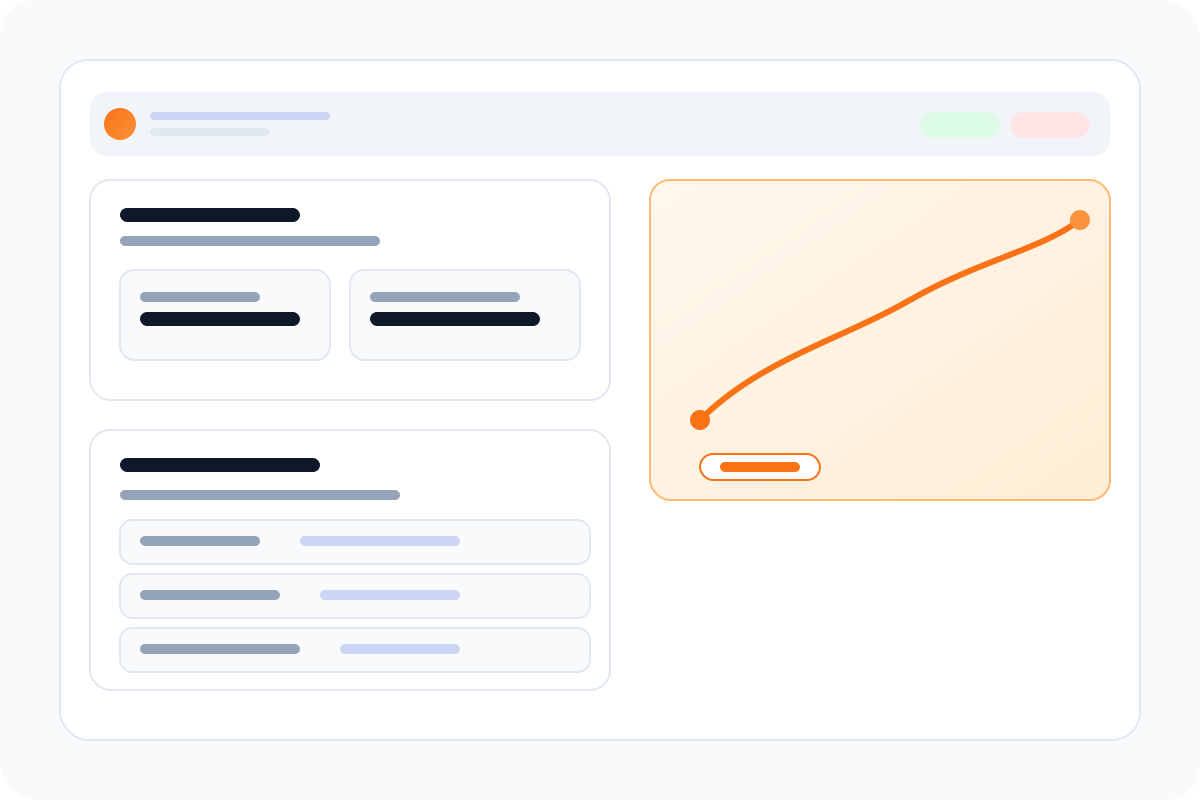
Acme Industries
Shipment SHP-2024-001
ETA
Feb 15, 2024
Current Location
Suez Canal
BOL, T1, invoices, customs files
Milestones from origin to delivery
Who it's for
Built for teams who live in shipment updates
Whether you manage thousands of containers or a handful of critical moves, YourTrack keeps every stakeholder aligned with one clear portal.
Freight forwarders
Give shippers a single, branded portal instead of forwarding update chains.
3PLs & brokers
Keep every stakeholder aligned without chasing email threads.
In-house logistics teams
Share one clean view with procurement, ops, and customer teams.
Added benefits
The value your team and clients feel immediately
YourTrack removes the operational tax of constant updates. It gives your clients a polished, always-on view while keeping your team in control of what goes live.
Fewer manual status emails
Updates publish once and appear everywhere. No more repetitive “any news?” replies.
Higher accuracy without slowing down
Automation handles the easy wins while approvals protect edge cases.
A client experience that looks premium
Branded portals, clean timelines, and shared documents build trust fast.
Real-time context on every shipment
Location, ETA, carrier, and documents live together in one view.
FAQ
Common questions from prospective teams evaluating YourTrack.
Ready to show clients a better tracking experience?
Launch a portal in minutes, connect your inbox, and let YourTrack keep everyone in sync.